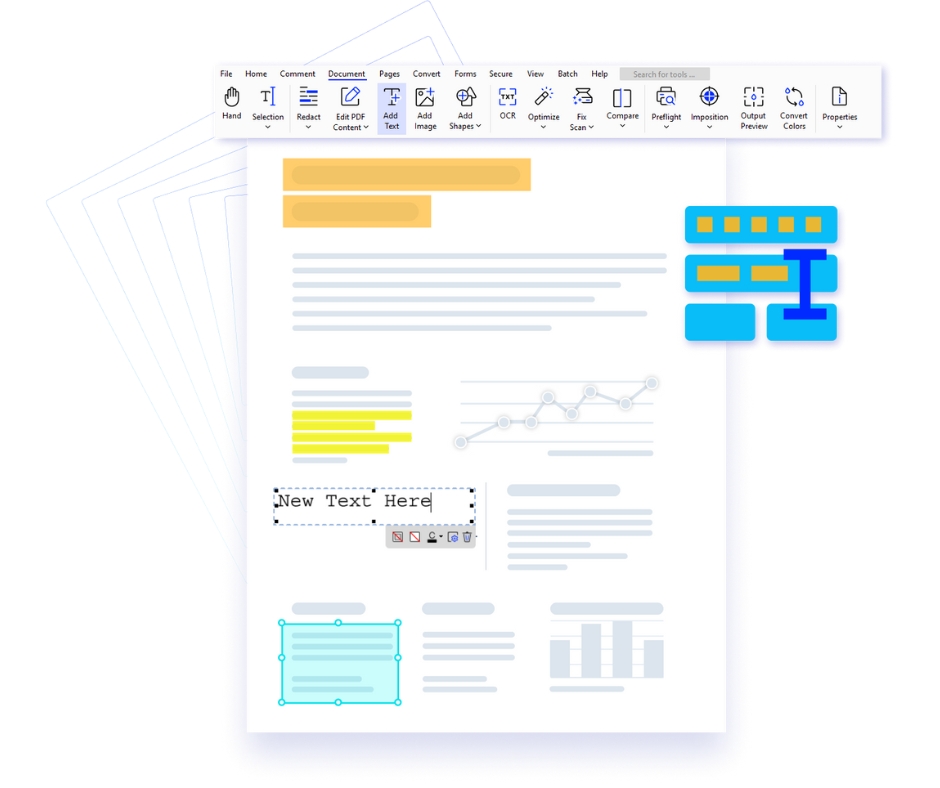
Xodo PDF for Mac is a sleek and intuitive PDF editor crafted for macOS users who value performance, design, and seamless productivity. Optimized for the Mac ecosystem, Xodo delivers a smooth, responsive experience with a clean interface that feels native to macOS. Whether you're reviewing contracts, editing business documents, annotating research files, or managing daily paperwork, Xodo empowers professionals, students, and creatives with a refined and efficient PDF workflow tailored specifically for Mac devices.
Why Choose Xodo PDF Editor for Mac?
- Native macOS Experience – Designed to align perfectly with macOS aesthetics, Xodo offers a fluid, distraction-free interface with smooth navigation and optimized performance for MacBook and iMac users.
- Comprehensive PDF Editing – Edit text, insert images, reorganize pages, and customize documents with precision. Maintain formatting integrity while working on professional-grade PDFs.
- Smart Annotation Tools – Highlight, underline, draw, and add comments effortlessly. Perfect for reviewing legal documents, academic research, and business reports on macOS.
- Cloud & Apple Ecosystem Integration – Seamlessly connect with iCloud Drive, Google Drive, Dropbox, and OneDrive. Sync and access your documents across Mac, iPhone, and iPad effortlessly.
- Real-Time Collaboration – Share PDFs securely and collaborate with teams in real time. Eliminate version confusion and streamline communication directly within your documents.
- Advanced Productivity Tools – From OCR and digital signatures to form filling and document conversion, Xodo supports high-performance workflows for corporate, legal, and academic use on Mac.
Key Features of Xodo PDF Editor for Mac
- Advanced annotation tools including highlight, underline, freehand drawing, and commenting.
- Convert PDFs to Word, Excel, PowerPoint, and other formats with high accuracy.
- Merge, split, and organize PDF files with drag-and-drop ease.
- Secure documents using encryption, password protection, and access controls.
- Share files instantly with secure links for fast and efficient collaboration.
Who Should Use Xodo for Mac?
- Business Professionals: Manage contracts, proposals, and reports efficiently with a premium macOS experience.
- Students & Researchers: Annotate study materials, organize research papers, and streamline academic workflows.
- Creative & Corporate Teams: Collaborate on documents, review designs, and share feedback in real time.
Your Premium macOS PDF Productivity Solution
|

Edit PDFs Seamlessly
Modify text, annotate, redact sensitive data, and fill forms with smooth Mac-optimized controls.
|

Flexible File Conversion
Convert and export documents across multiple formats while preserving layout and quality.
|

Batch Processing Efficiency
Process multiple PDFs at once—merge, convert, optimize, and secure files in a single workflow.
|

Advanced Security Controls
Protect sensitive files with encryption, permissions, and digital signatures for secure sharing.
|