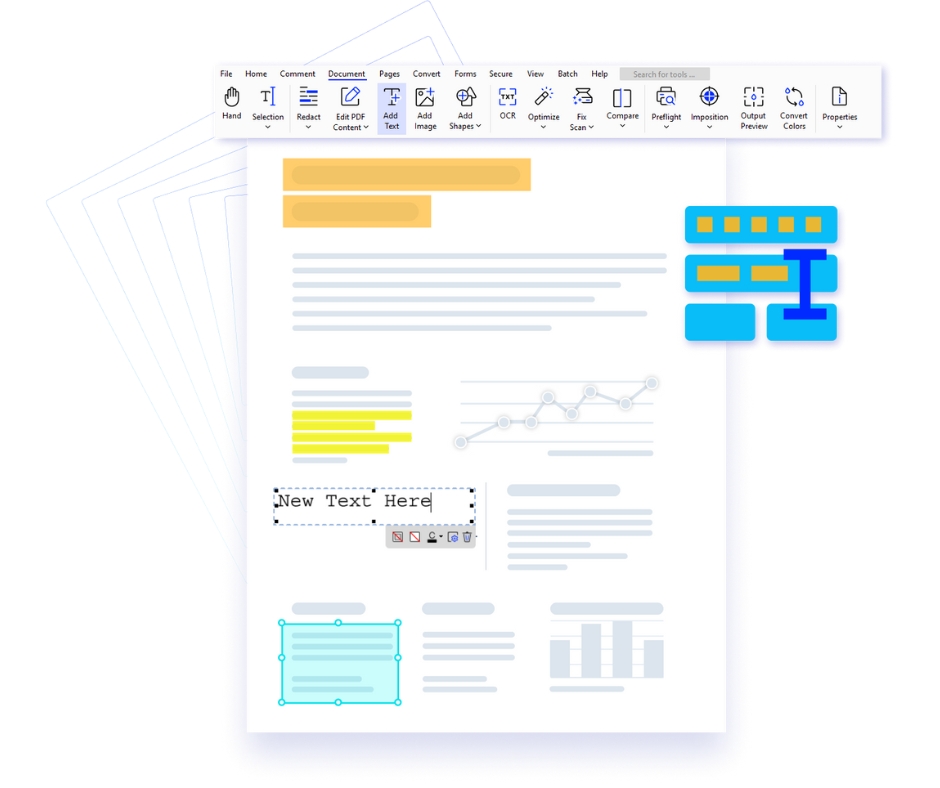
Xodo for Windows is a powerful and intuitive PDF editor designed to help professionals, students, and businesses efficiently manage digital documents. With a modern interface and advanced productivity tools, Xodo enables you to view, edit, annotate, convert, and collaborate on PDF files directly from your Windows desktop. Whether you are reviewing reports, editing contracts, or organizing research documents, Xodo provides a seamless PDF workflow tailored specifically for Windows users.
Why Choose Xodo PDF Editor for Windows?
Key Features of Xodo PDF Editor for Windows
Who Can Benefit from Xodo for Windows?
Your Complete Windows PDF Productivity Solution
|
Edit PDFs Effortlessly Modify text, add notes, redact sensitive information, fill forms, and compress PDF files quickly using intuitive Windows-based editing tools. |
Flexible File Conversion Convert Office documents, images, and other file formats into high-quality PDFs. You can also export PDFs to Word, Excel, HTML, and PDF/A formats within seconds. |
Batch Processing Tools Save valuable time with batch actions such as converting, merging, optimizing, OCR processing, signing, and securing multiple documents at once. |
Advanced PDF Security Protect confidential documents using strong password encryption, access permissions, and digital signatures to ensure safe document sharing. |
| Pricing Plan | Xodo PDF Studio | Adobe Acrobat Pro |
|---|---|---|
| Monthly Subscription | $12.99 / Month | $29.99 / Month |
| Annual Subscription | $120 / Year | $240 / Year |
| Volume Subscription | Get Volume Discount | Available |
Xodo PDF Studio vs Adobe Acrobat Pro
Note: Xodo PDF Studio provides broader platform compatibility and lighter system requirements, making it an efficient and flexible PDF editing solution for professionals and organizations.
Before installing the software, ensure your computer meets the minimum system requirements listed below. These specifications help guarantee stable performance and a smooth PDF editing experience across Windows, macOS, and Linux platforms.
| Requirement | Windows | macOS | Linux |
|---|---|---|---|
| Supported Operating System | Windows 11 (64-bit) Windows 10 (64-bit) Windows 8 / 8.1 (64-bit) Windows 7 (64-bit) |
macOS 10.13 or later | Ubuntu, Debian, Fedora, and other major Linux distributions |
| Minimum Memory (RAM) | 1 GB | 1 GB | 1 GB |
| Recommended RAM | 4 GB or higher | 4 GB or higher | 4 GB or higher |
| Storage Space | 1.5 GB available disk space | 1.5 GB available disk space | 1.5 GB available disk space |
| Display Resolution | 1024 × 768 minimum | 1024 × 768 minimum | 1024 × 768 minimum |
| Input Devices | Mouse and Keyboard | Mouse / Trackpad and Keyboard | Mouse and Keyboard |
| Internet Connection | Required for activation, updates, cloud services, and OCR language downloads | Required for activation, updates, cloud services, and OCR language downloads | Required for updates, repositories, and OCR language downloads |
| Optional (Advanced Features) | Extra storage recommended for OCR packs and large PDF documents | Extra storage recommended for OCR packs and large PDF documents | Extra storage recommended for OCR packs and large PDF documents |
Note: For optimal performance when working with large PDFs, scanned documents, or OCR processing, using the recommended system configuration is highly recommended.
Explore the powerful editing capabilities available in modern PDF software. The table below highlights key document editing tools used in professional PDF workflows.
Feature comparison of two professional PDF editors focusing on creation, conversion, and document automation capabilities.
| OCR / Scan Feature | Xodo PDF Studio | Adobe Acrobat Pro |
|---|---|---|
| Text recognition using OCR | ||
| Fix Scan | ||
| Optimize scanned images |
| Security Feature | Xodo PDF Studio | Adobe Acrobat Pro |
|---|---|---|
| Digitally sign PDF documents | ||
| Certify PDF documents | ||
| Add permissions and passwords to PDF | ||
| Prevent copying or editing PDF content | |
|
| 128-bit and 256-bit AES encryption support | |
|
| Digitally sign PDFs | |
|
| Collect legally binding e-signatures | Xodo Sign Add-on | |
Copyright © 2014 Icons Infocom
Designed & Developed By Iconsdigital.in